


Your agent deserves a better place to work.
All of it in one window, beside the agent conversations driving the work.




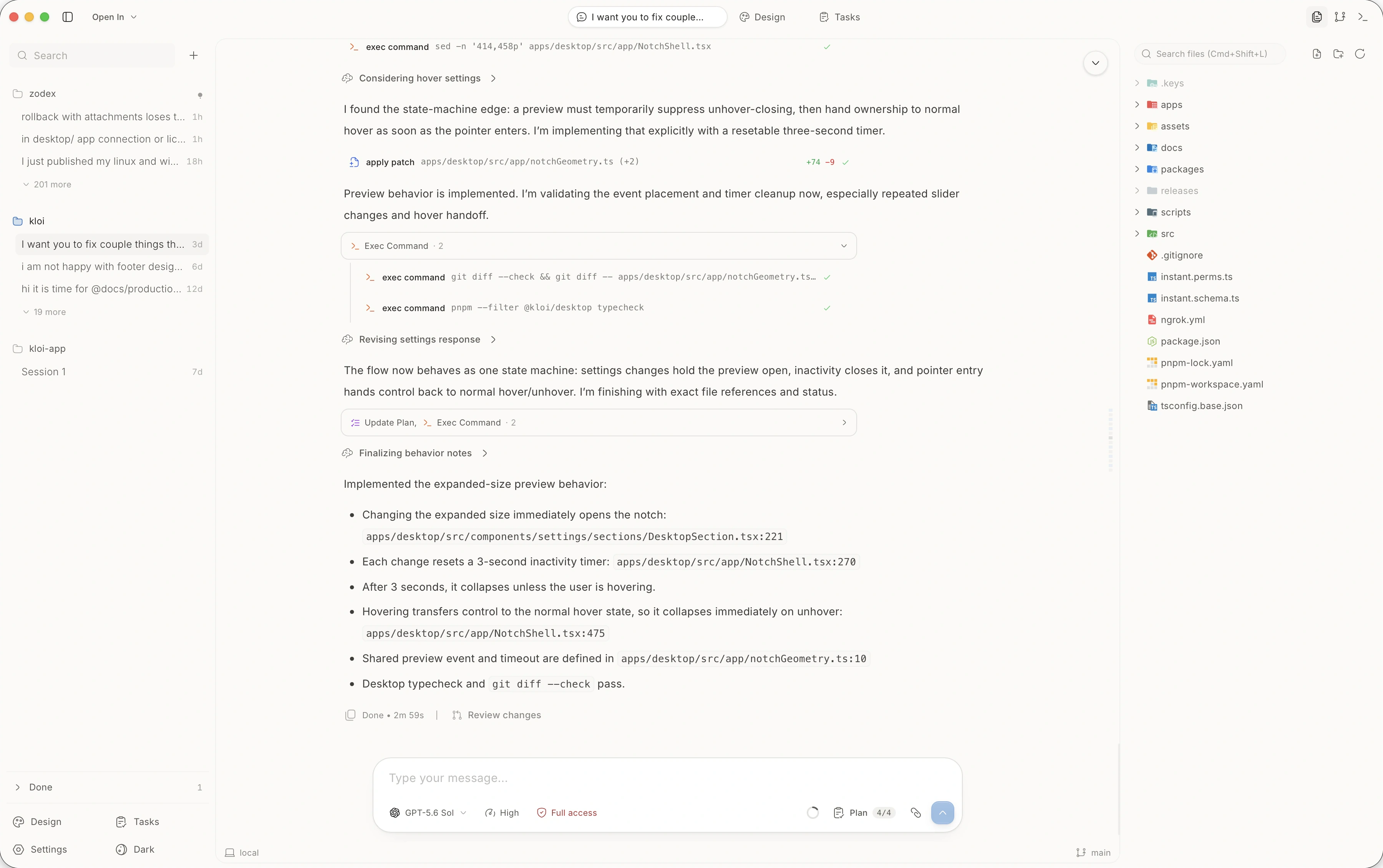
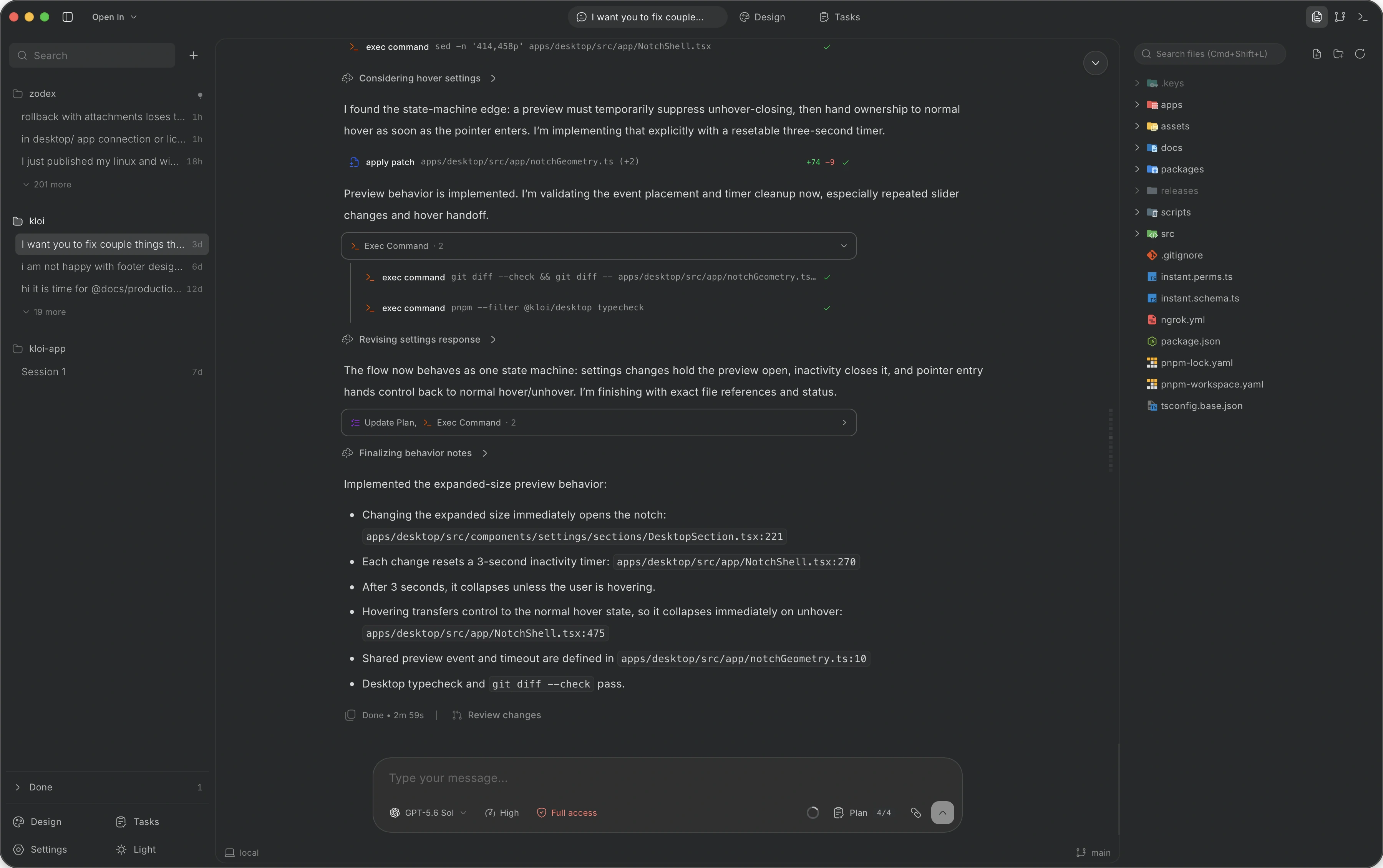
One app, instead of six windows.
Your terminal, Git client, code editor, browser, Design Studio and Linear tasks live beside your agent conversations. Plan the work, design it, build it and check the result without switching windows.
Native terminal
Run commands, start a dev server or check build output without opening a separate terminal.
Git client
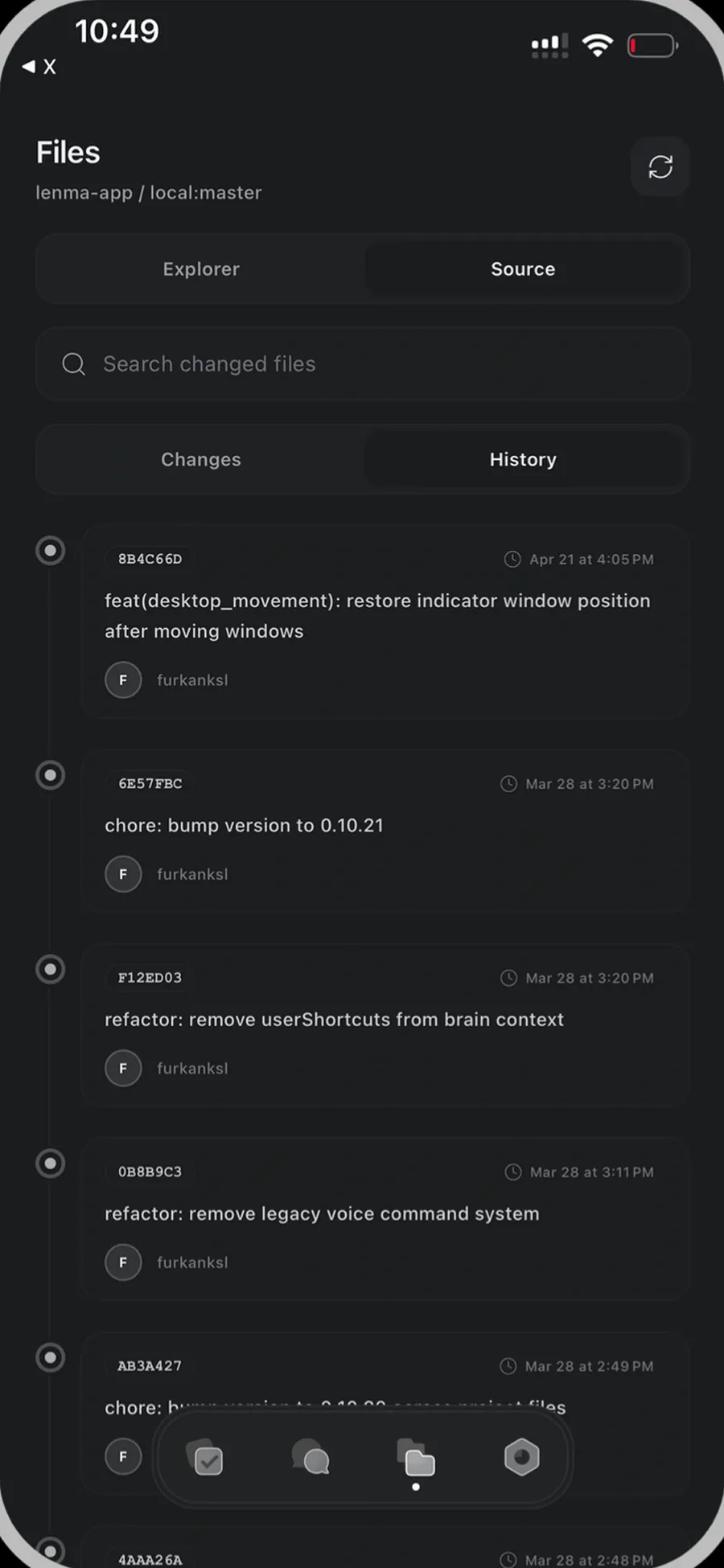
Review diffs, stage files and commit changes without switching to a separate Git app.
Code editor
Open and edit project files beside the conversation. Inspect changes without opening another editor.
Web browser
Preview your app and browse documentation in the built-in browser, right next to the code.
Design Studio
Generate UI components, arrange them on a canvas and mark up revisions without opening a separate design tool.
Tasks
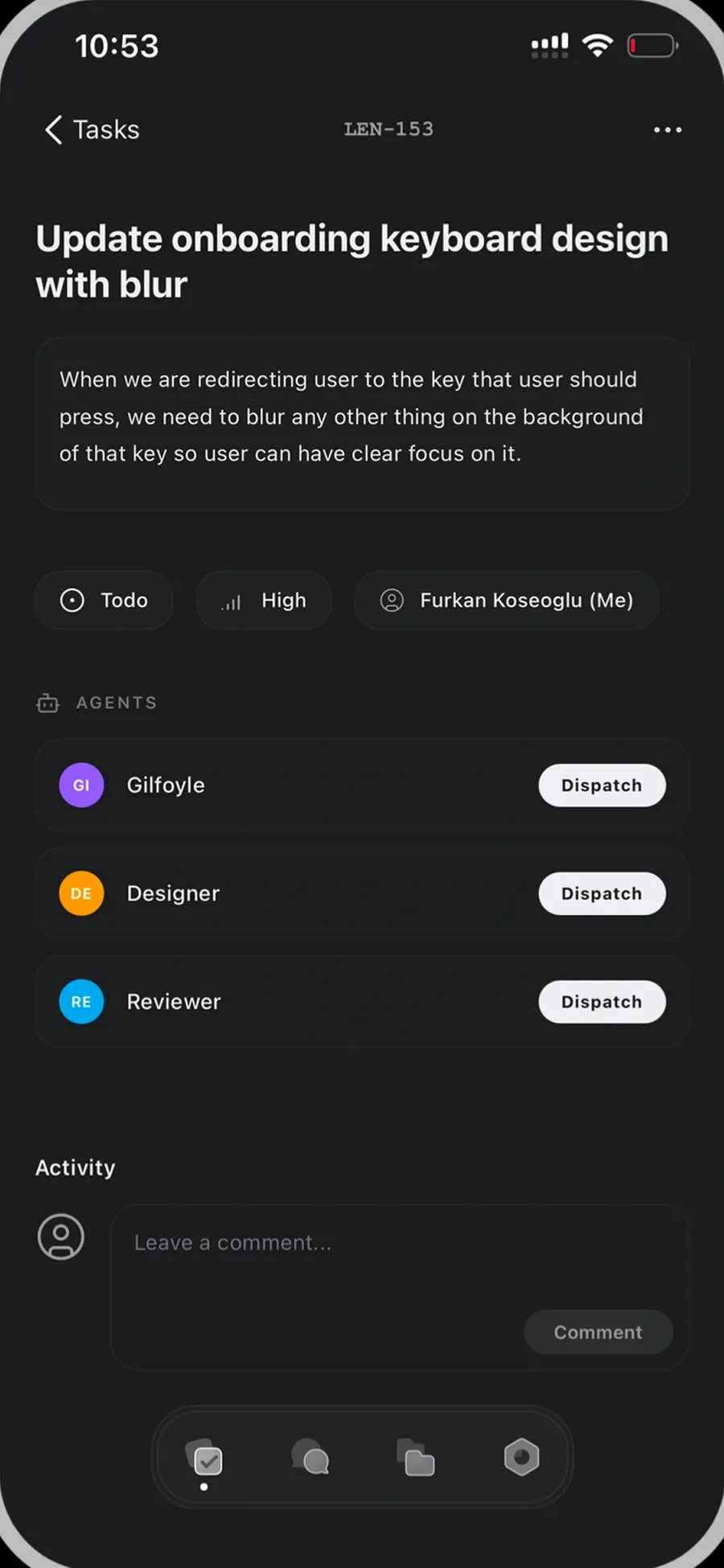
Connect Linear, assign issues to agents and track their progress without switching to your task tracker.
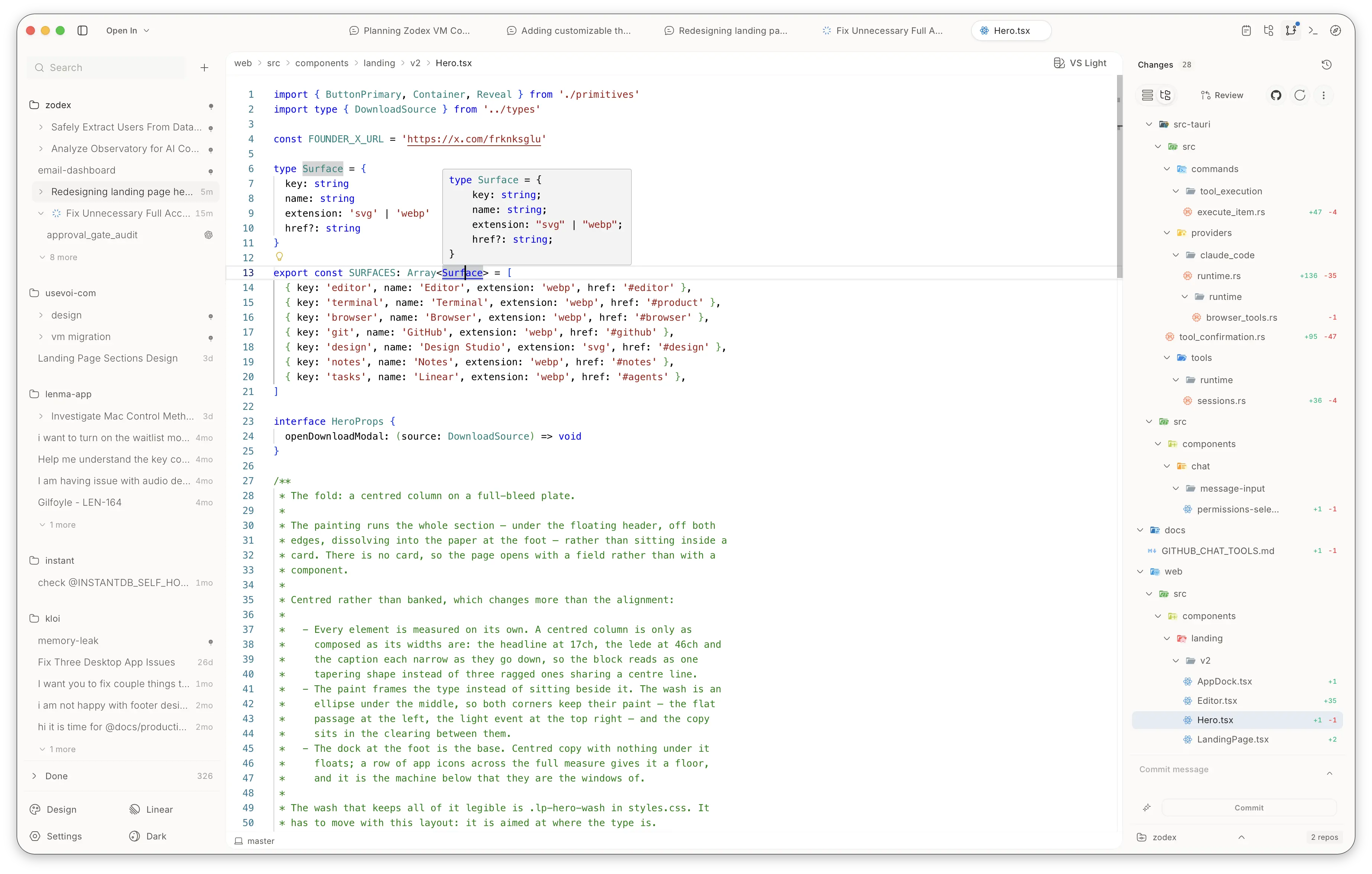
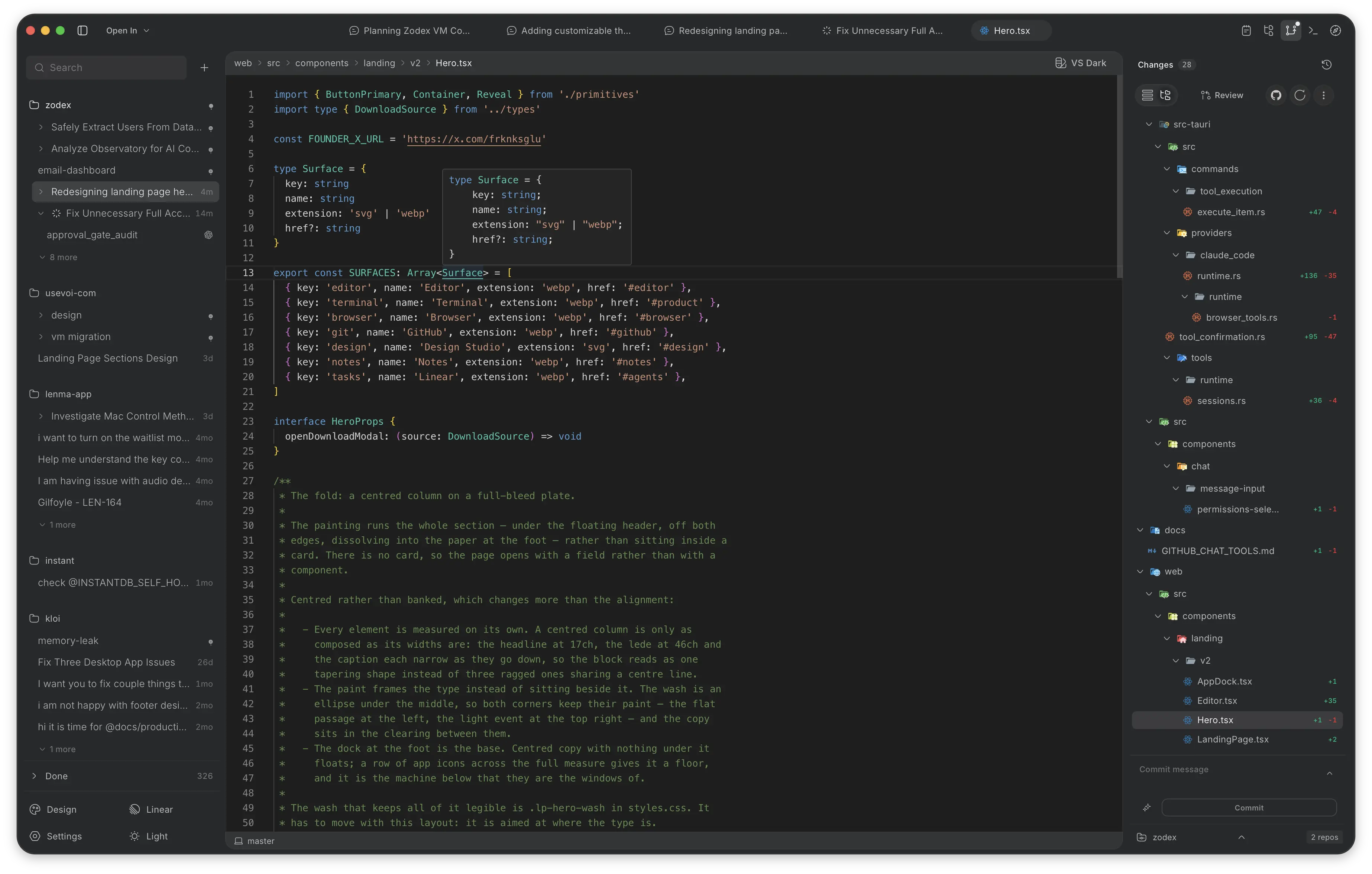
The editor you expect, beside your agents.
A full code editor with language server completions, diagnostics, and syntax highlighting. Read what the agent changed, make targeted edits, and keep coding without switching windows.
Language server intelligence
Completions, hover definitions, diagnostics, and quick fixes powered by native language servers for TypeScript, Rust, Python, Go, and more.
Live agent diffs
Inspect changes as agents make them. Review syntax-highlighted inline diffs, accept or revert individual edits, or refine the code directly.
Context without friction
Open files from agent suggestions in one click. The editor shares your project tree and diagnostics directly with the conversation.
Let your agent check its own work.
Code changes are only half the job. Open your app inside Zodex and let the agent inspect the page, interact with it, and check what happens.
- Preview
Open a local app or website in a side panel or editor tab. Check different viewport sizes without leaving the workspace.
- Inspect
Read page elements, inspect console messages and network requests, and capture screenshots. Bring what the browser shows into the conversation.
- Verify
The agent can click, type, select and scroll, then inspect the result. Test the actual flow instead of stopping at a code change.
Point to the element you mean.
Pick an element on the page to attach its selector and details to chat. Give the agent context without describing where to look.
Take a screenshot. Drop it into chat.
Capture the visible page and drag the screenshot into a conversation, another app or a folder.
Bring the work with you.
Zodex automatically detects your local Codex, Claude Code, and Pi history, keeping every conversation organized inside its project and ready to continue.
Local
Nothing leaves machine
Selective
Import what you need
Organized
Grouped by project
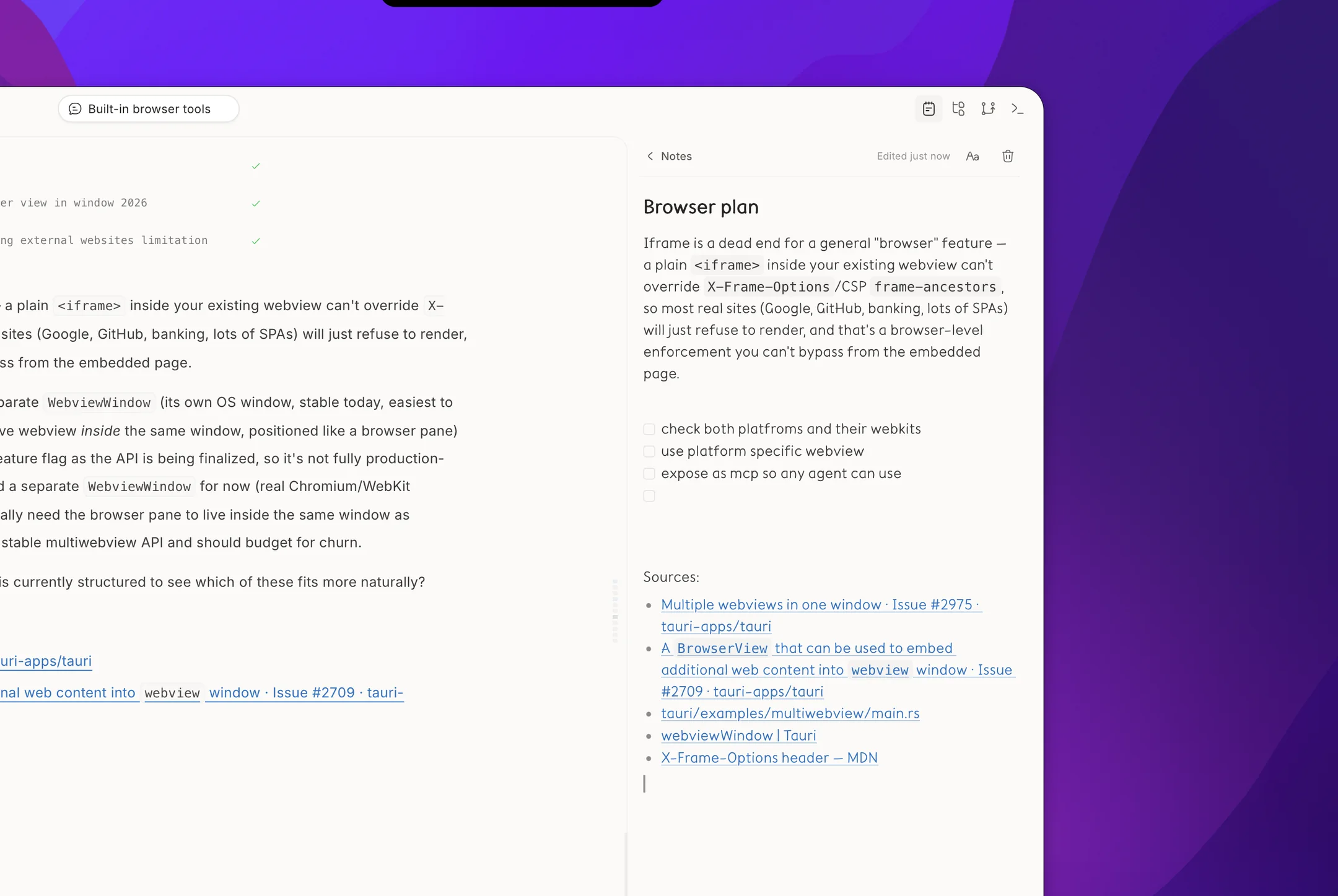
Keep the thinking beside the work.
Capture the plan, the constraint you do not want to forget, or the links behind a decision. Notes stay attached to the project and open alongside the conversation.
Markdown & block-based
Write plans, checklists, links and code with markdown or Notion-style block editing without leaving the workspace.
Your reading pace
Choose the typeface and size that keep long notes comfortable.
Project-scoped
Each note stays with the project it belongs to.
Dispatch work, then check it.
Connect Linear, build agents for the jobs you repeat, and send them straight at an issue. Nothing they write reaches your branch until you've read it.
Straight from the backlog
Pick an issue, hand it to an agent, and keep working while it runs.
Every diff, before it lands
Read the change file by file, approve what's right, throw away what isn't.
Your GitHub workflow, in Zodex.
Create issues and pull requests, follow discussions, and review changes beside your code.
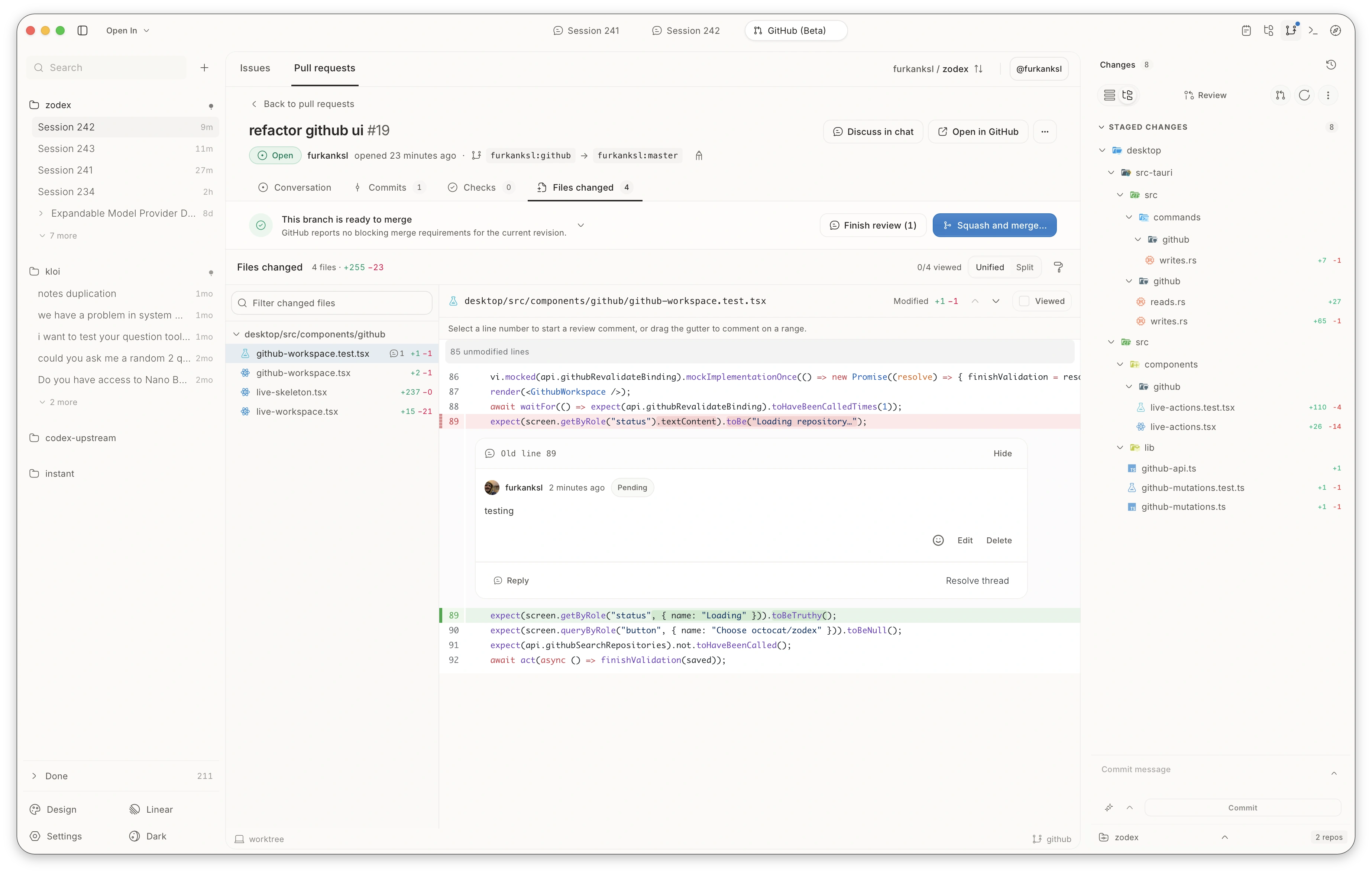
A second pass, from your agent.
Let an agent review the diff, then read its findings before you merge.
Let a cheaper model do the busywork.
A session can start its own agents and run three of them at once. You pick the model those agents use, so the strong one keeps thinking while a cheaper one does the typing.
- Uses whichever model you pick for this session.Updates the call sites
- Uses whichever model you pick for this session.Fixes the failing tests
- Uses whichever model you pick for this session.Finds the out-of-date docs


Choose it once
An agent uses whatever model is set when it starts, so there's nothing to choose task by task. Change it later and the next agent picks up the change.
Watch them work
Inspect active turns, tool calls and terminal output as child agents run. Follow their decisions in real time instead of waiting on a black box.
See what each agent cost
Tokens and cost are listed agent by agent, so you can see what the session spent on its own and what it spent on help.
Try the UI before you commit to it.
Generate component variants in an isolated sandbox, lay them out on a canvas, and implement only the one you actually want.
Nothing is written until you say so
Variants render in a sandbox. Your project files stay exactly as they were until you press Implement.
Take the good half of each
Keep the header from one variant and the layout from another, and combine them into the one you ship.
Tokens, not guesswork
Spacing, colour and radius are editable as real theme tokens, previewed live before they go global.
Generate in the conversation
Ask for a component the same way you ask for anything else, and compare what comes back.
Or open the whole canvas
Place variants side by side, comment on a detail, and send it back for another pass.
Think out loud. It keeps up.
A voice companion that understands your code and controls the workspace around it, from navigating the interface to opening a session.
Controls your workspace
Toggles sidebars, switches tabs, and opens the terminal or the view you need, all without breaking your flow.
Knows the codebase
Reads your local files, navigates the project, and drafts a fully-contextualised session for you.
Reaches your tools
Moves Linear issues and pulls live Context7 docs while you think out loud.
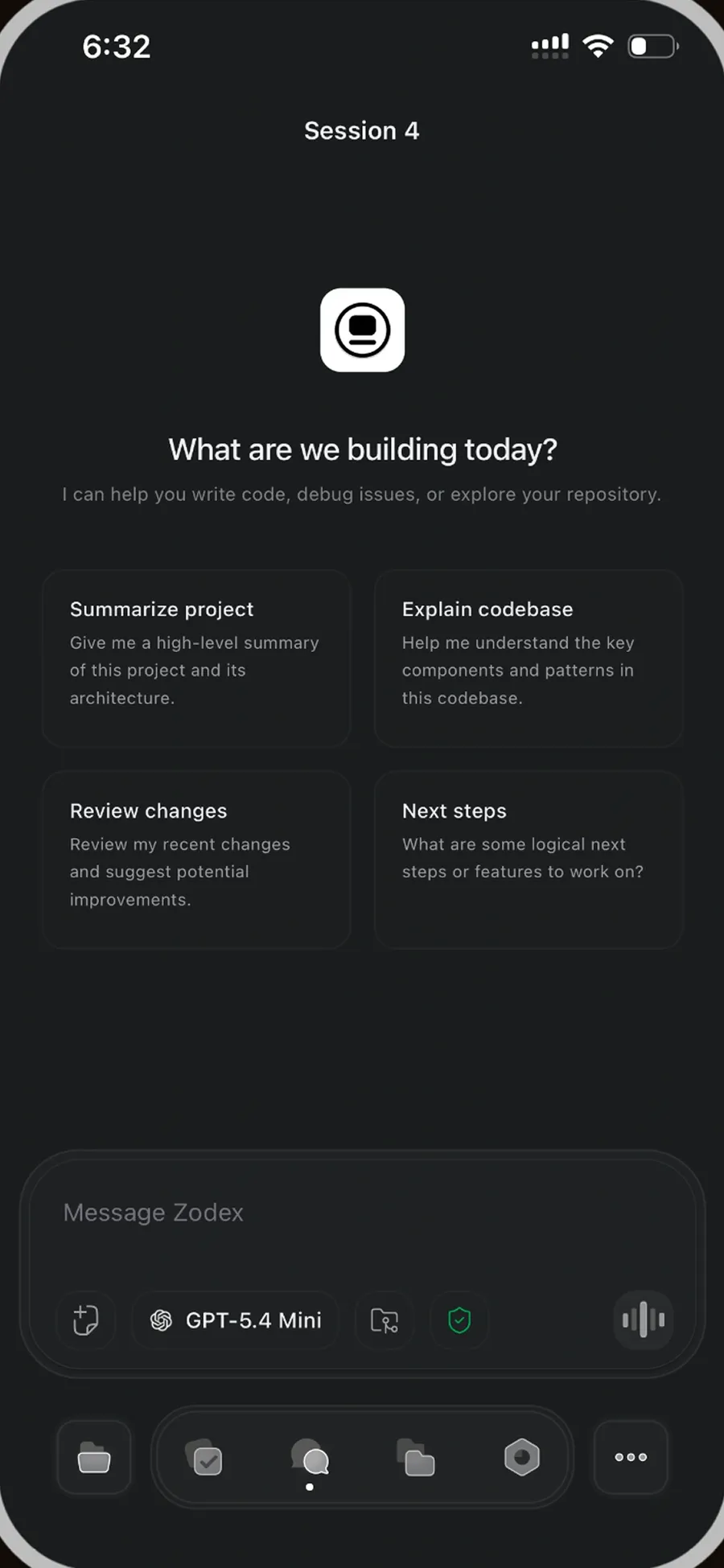
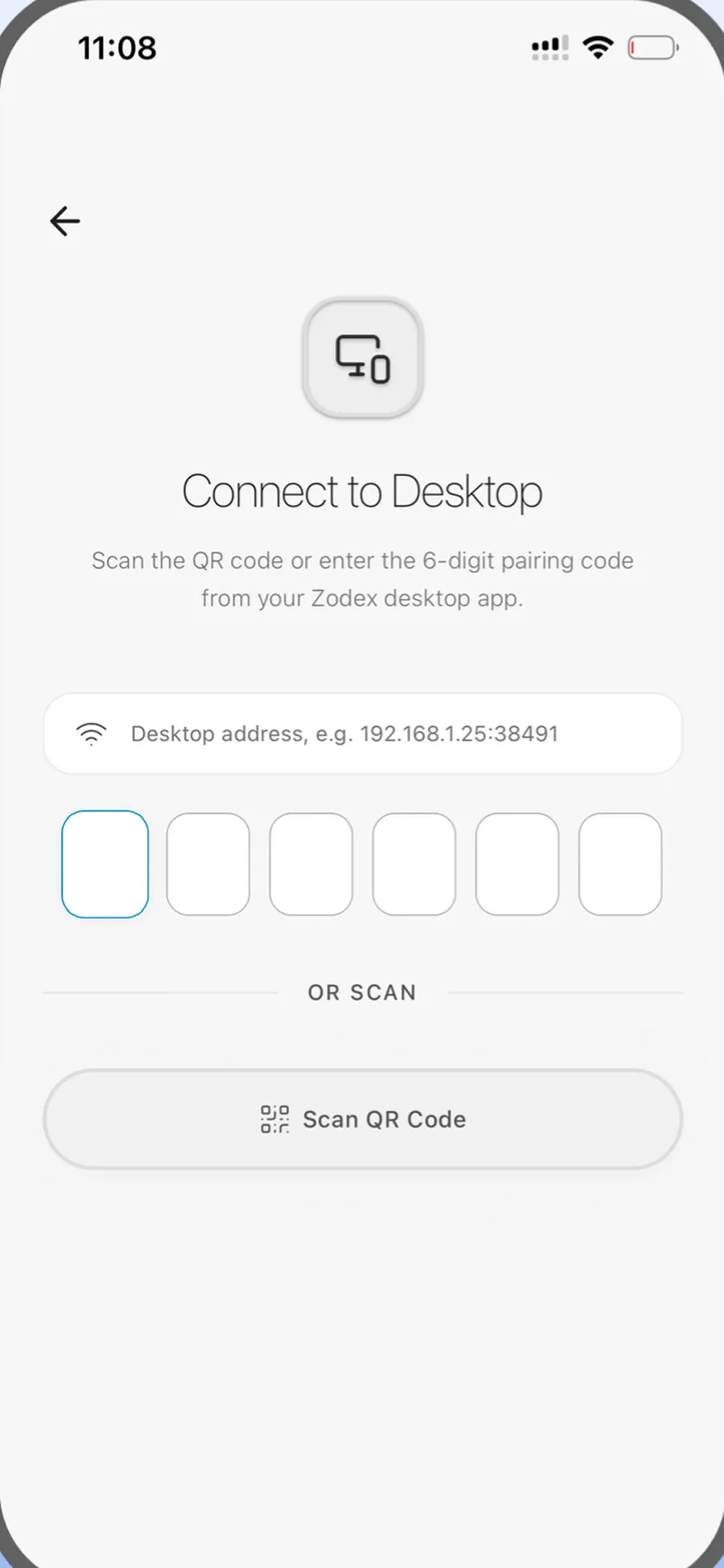
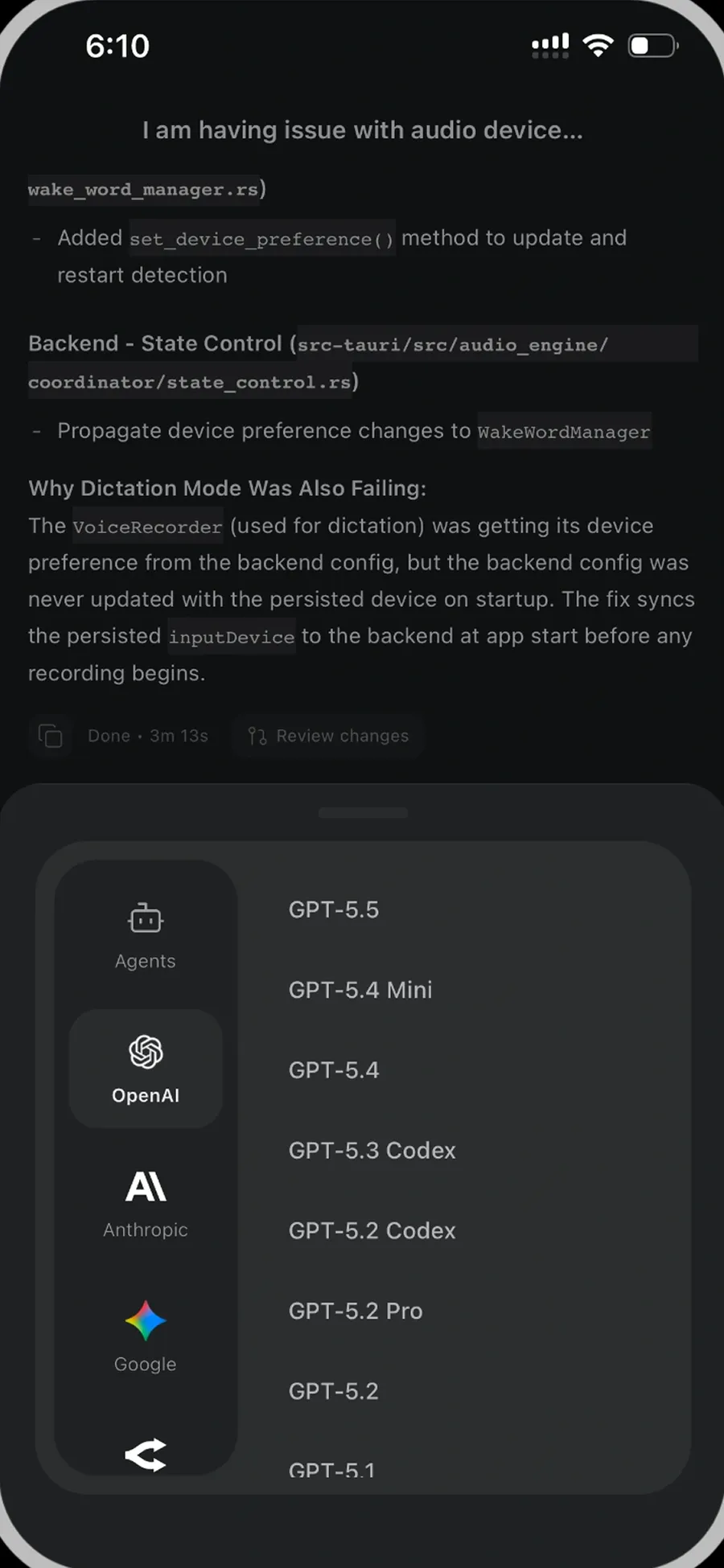
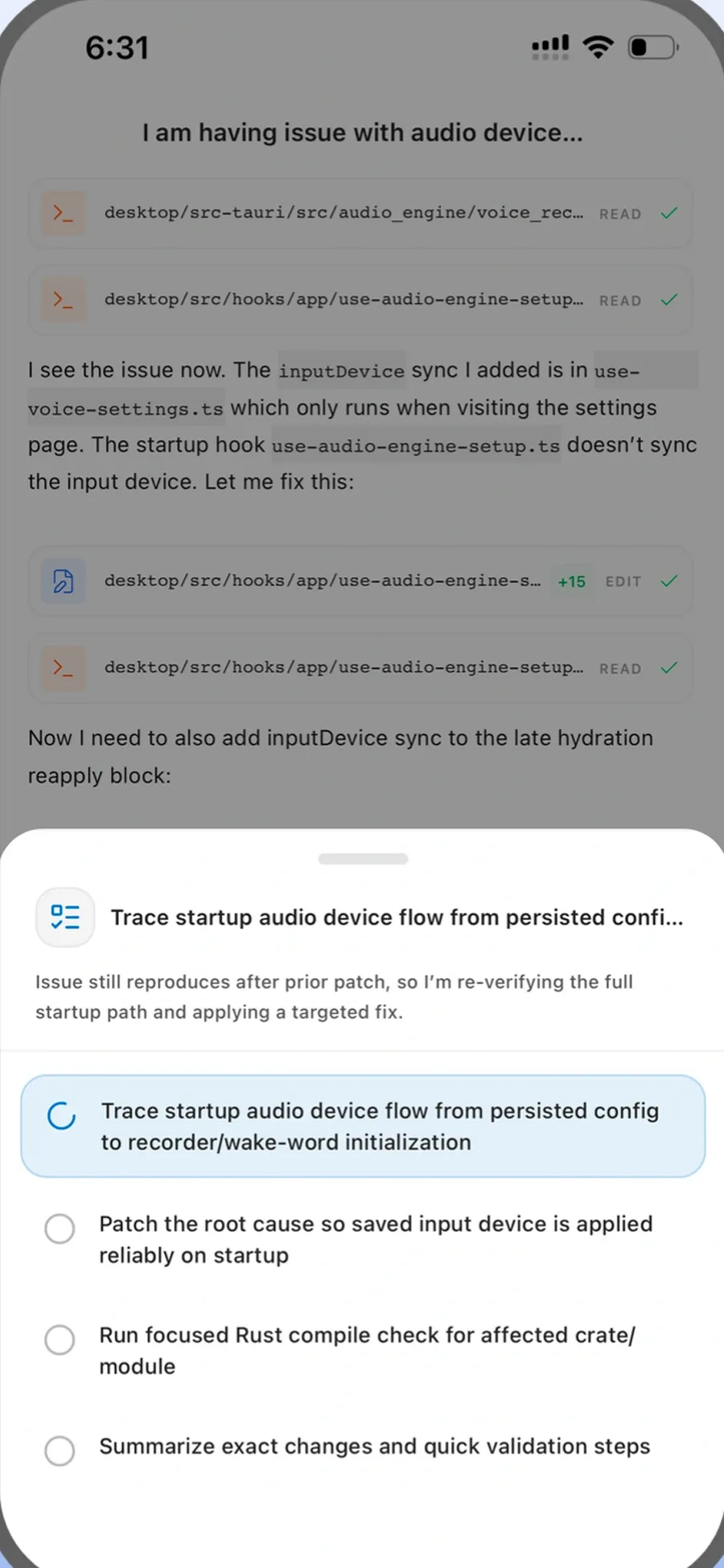
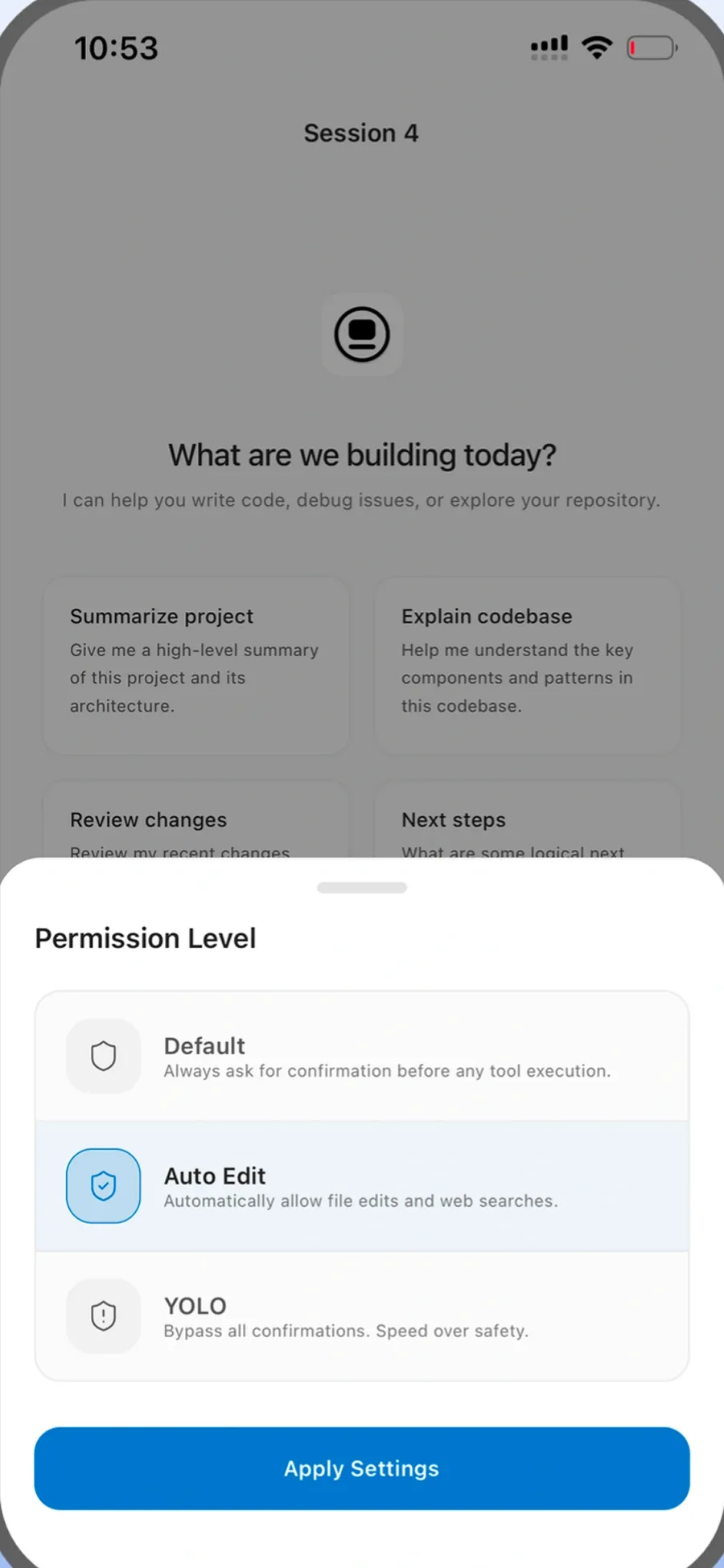
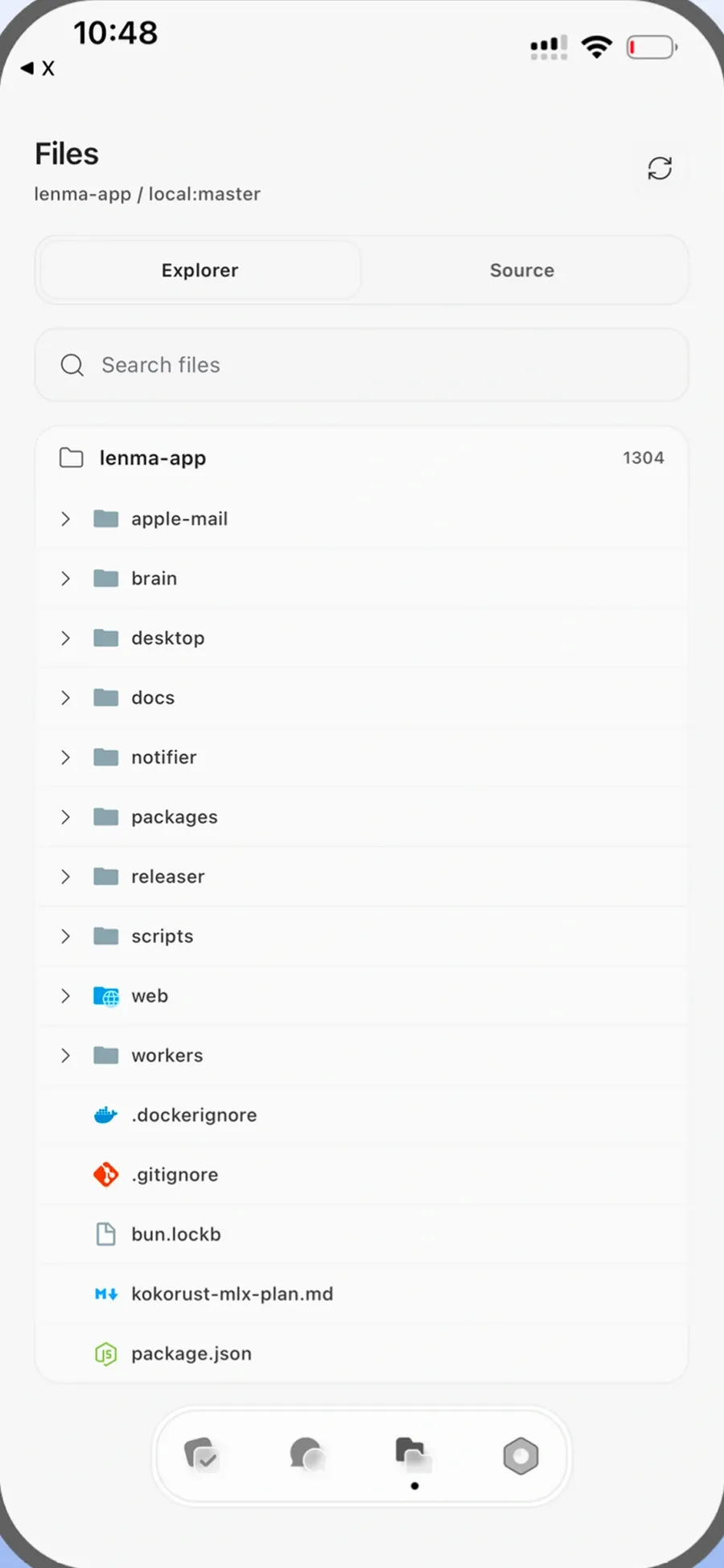
The same workspace, away from the desk.
Check on a running agent, read a diff, or start something new from your phone.
Included models, no API keys.
Every plan includes the GPT-6 family. Choose Astra, Sol, or Luna to match the capability and allowance use your task needs.
Zodex stores usage metadata only. Your prompts, responses, code and tool output are never saved.

GPT-6 Astra
Maximum capability for complex codebases and long-running agents.
GPT-6 Sol
A strong balance of intelligence, speed, and allowance use.
GPT-6 Luna
Fast, efficient iteration with full reasoning and tool use.








Choose monthly access or own Zodex forever.
Basic and Pro include managed AI usage. Lifetime includes every local feature and uses your own API keys for AI services.
Basic
- Zody voice companion
- Zodex Mobile
- Your own keys or subscription
- Native Rust terminal
- All supported providers
Pro
- Everything in Basic
- Priority email support
- Early access to new features
Lifetime
- Permanent Zodex access
- All local product features
- No recurring payment
Available for macOS, Windows and Linux. Trusted by 200+ developers.